for Jellyfin servers

Your music
library, finally
on your wrist.

JellyAmp is a native iPhone and Apple Watch player for your Jellyfin music server. Browse, queue, and download — without ever opening the web client. Crafted in SwiftUI with a Winamp soul.

See pricing
iOS 17+
iPhone
watchOS 10+
Apple Watch
100%
SwiftUI
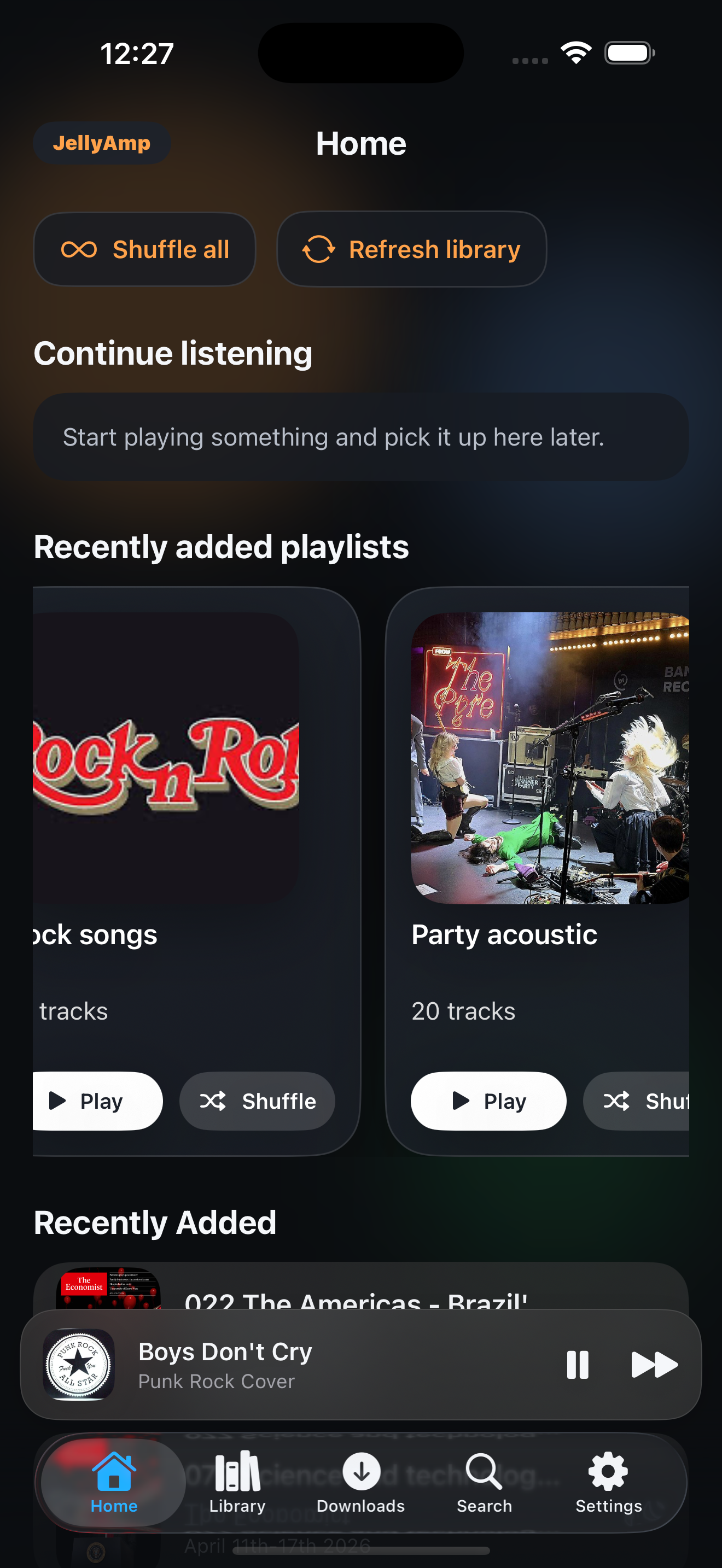
JellyAmp Home on iPhone
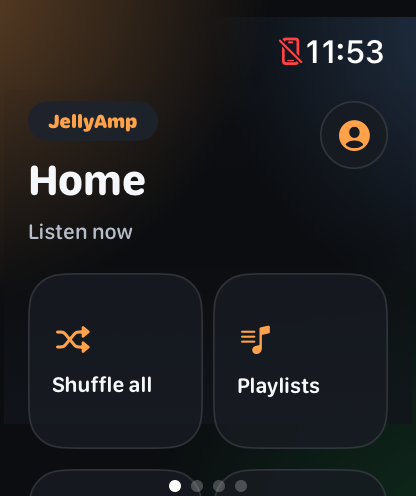
JellyAmp on Apple Watch
Native SwiftUI Offline Downloads Apple Watch Companion Background Audio AirPlay 2 Self-hosted Open ecosystem

Everything you'd want
from a player. Nothing
you wouldn't.

Built for people who care where their music lives. JellyAmp respects your library, your bandwidth, and your taste.

[01]

Library, beautifully sorted

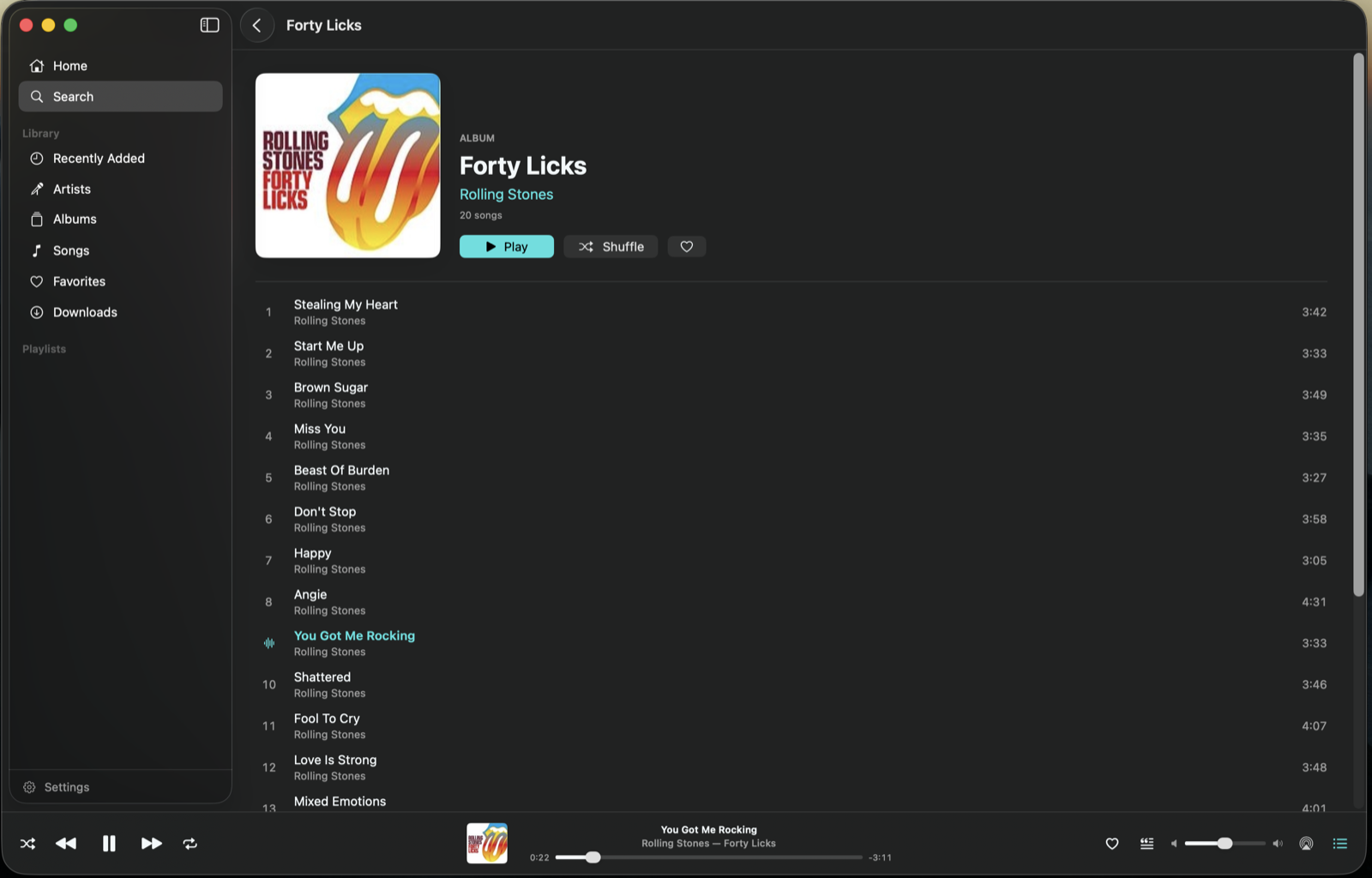
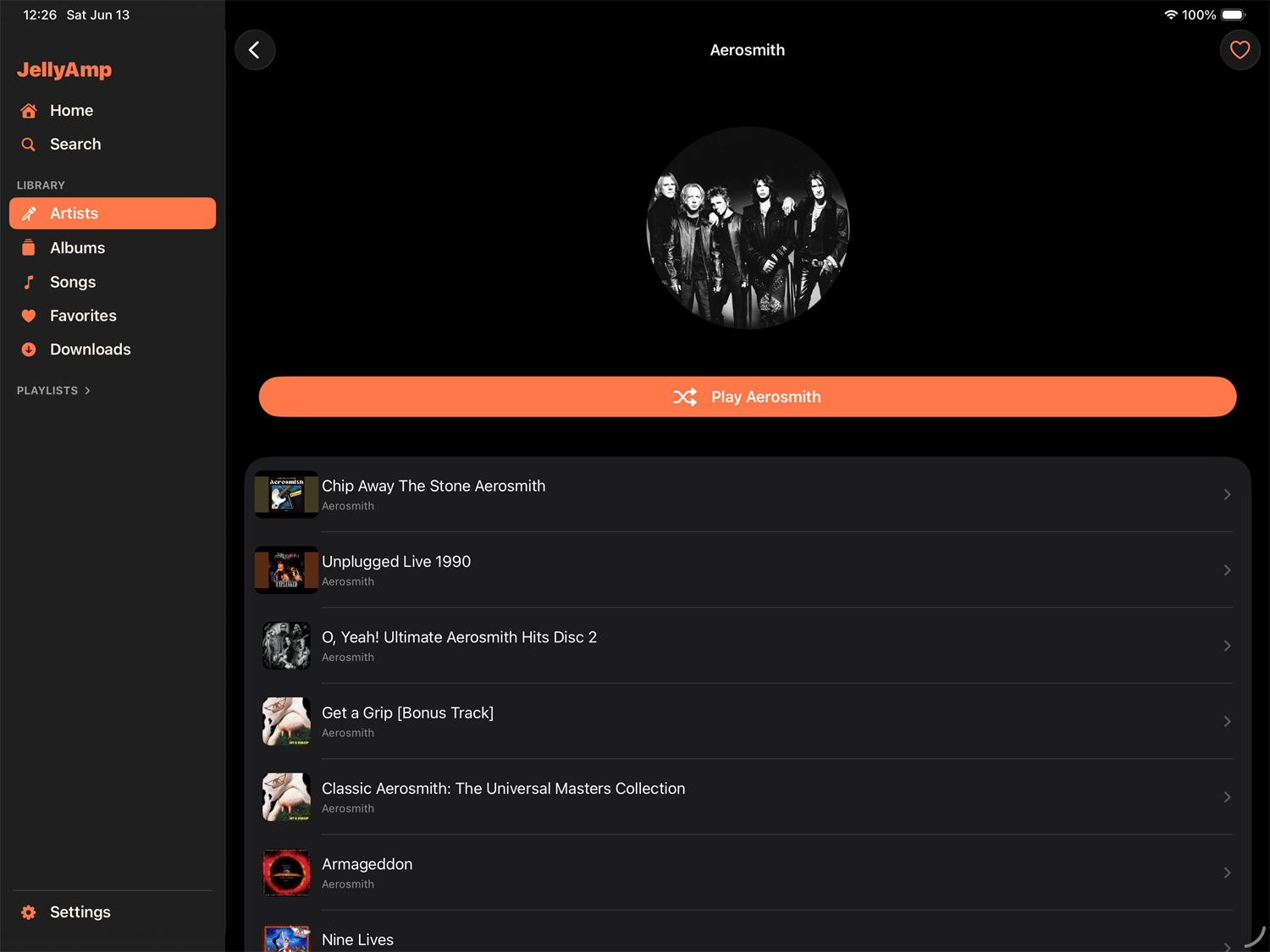
Browse Artists, Albums, Playlists, and Songs with art-first layouts and lightning-fast scrolling. Recently played and your home rotation, on the front page.

[02]

Offline-first downloads

Save full albums or single tracks to your device. Queue downloads, watch progress in real time, and listen even when the server isn't reachable.

[03]

Search across everything

Type once, find anything — songs, albums, artists, playlists. Indexed against your full Jellyfin library with sub-second results.

[04]

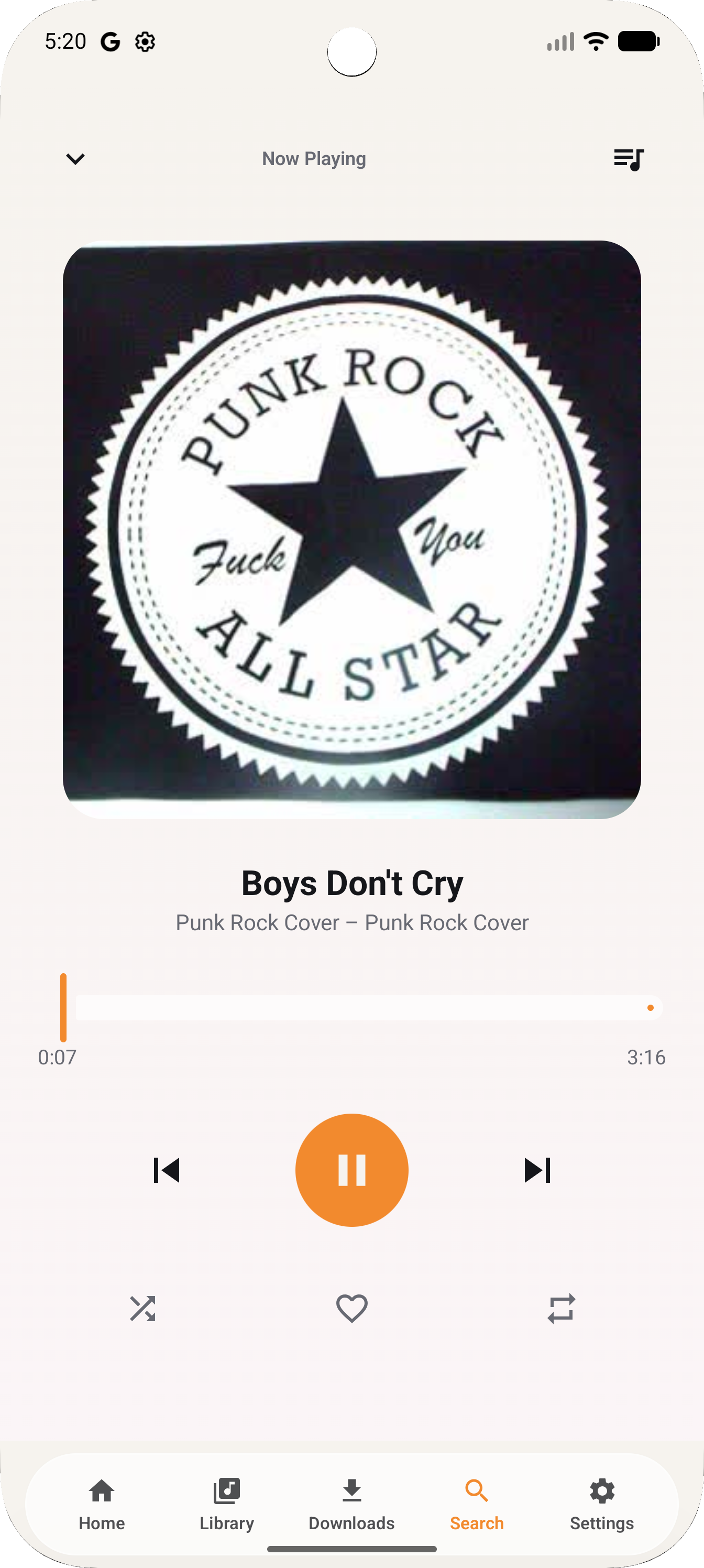
A real Now Playing

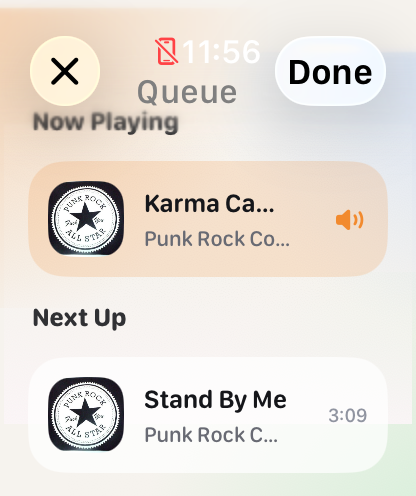
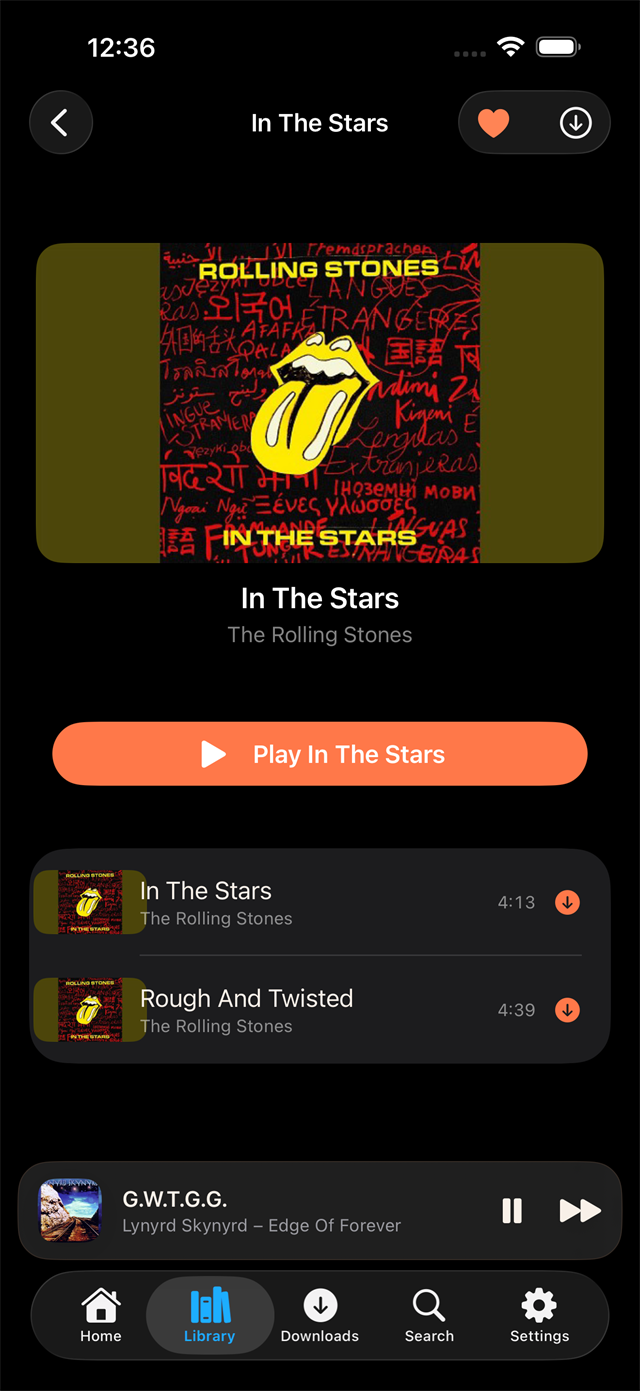
Queue management, repeat & shuffle modes, scrubbing, AirPlay 2, lock-screen controls — all the things a music player should have, none of the things it shouldn't.

[05]

Background audio, done right

Playback continues seamlessly whether the screen is off, the app is backgrounded, or you're on a call. Optimized for battery life.

[06]

Synced to your wrist

WatchConnectivity keeps state in lockstep across devices. Start a track on your phone, scrub from your watch, never miss a beat.

Designed for iOS,
not a web port.

JellyAmp is a native SwiftUI app — lock-screen controls, AirPlay 2, lightning-fast scrolling through thousands of tracks. The player you'd miss if it went away.

  • Now Playing Full-screen artwork, queue, scrubbing
  • Background audio Keeps playing when screen is off
  • Lock screen Native media controls + artwork
  • AirPlay 2 Stream to HomePod, Apple TV, speakers
  • Home Personalized library — recents, playlists, picks
  • Search Server-side, instant, across your full library
iOS 17+
Required
< 12 MB
Install size
0 ads
Forever
JellyAmp Now Playing on iPhone
Swift UI · native
AirPlay 2 · Background
JellyAmp Home on Apple Watch
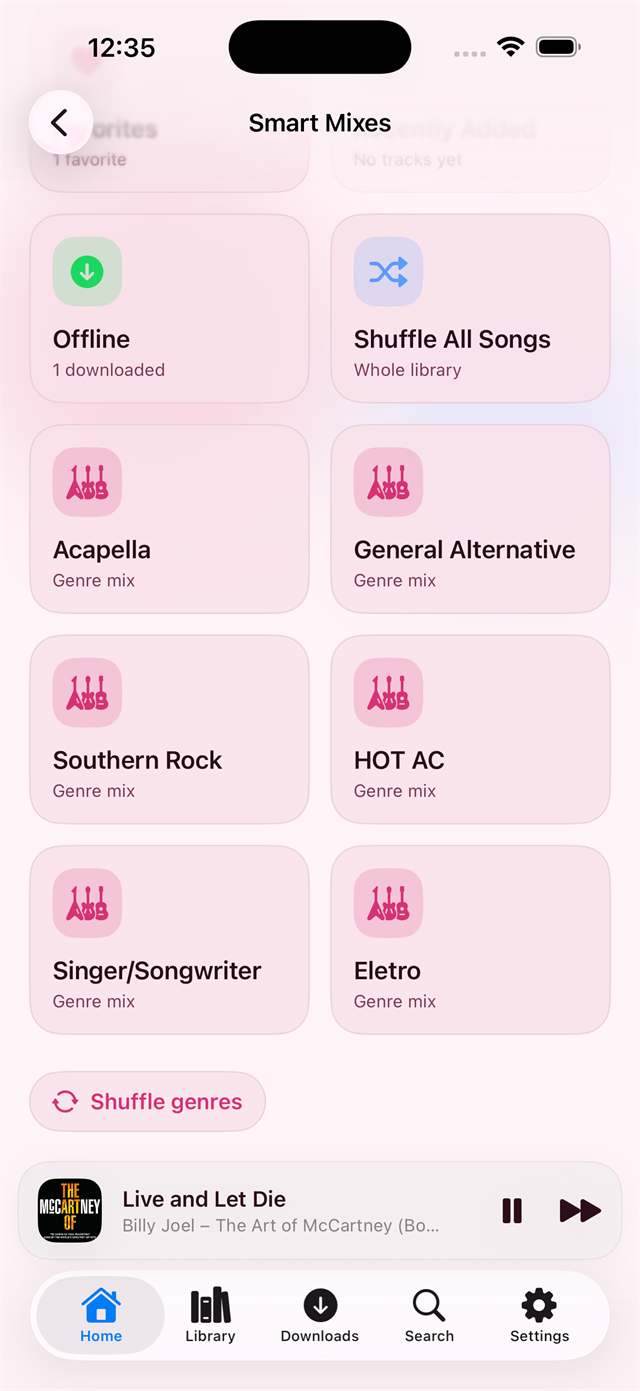
JellyAmp on Apple Watch — light mode
42mm · always-on
sync ↔ iPhone · live

A full music player.
On your wrist.

Most music apps treat the watch like an afterthought. JellyAmp ships a real watchOS companion with feature parity that matters — browse, queue, control, and download, all without your phone in hand.

  • Browse Playlists · Albums · Artists · Songs
  • Quick action Shuffle entire library, instantly
  • Now Playing Scrub · Skip · Queue · Volume
  • Downloads Manage offline tracks from the wrist
  • Search Voice or scribble, your call
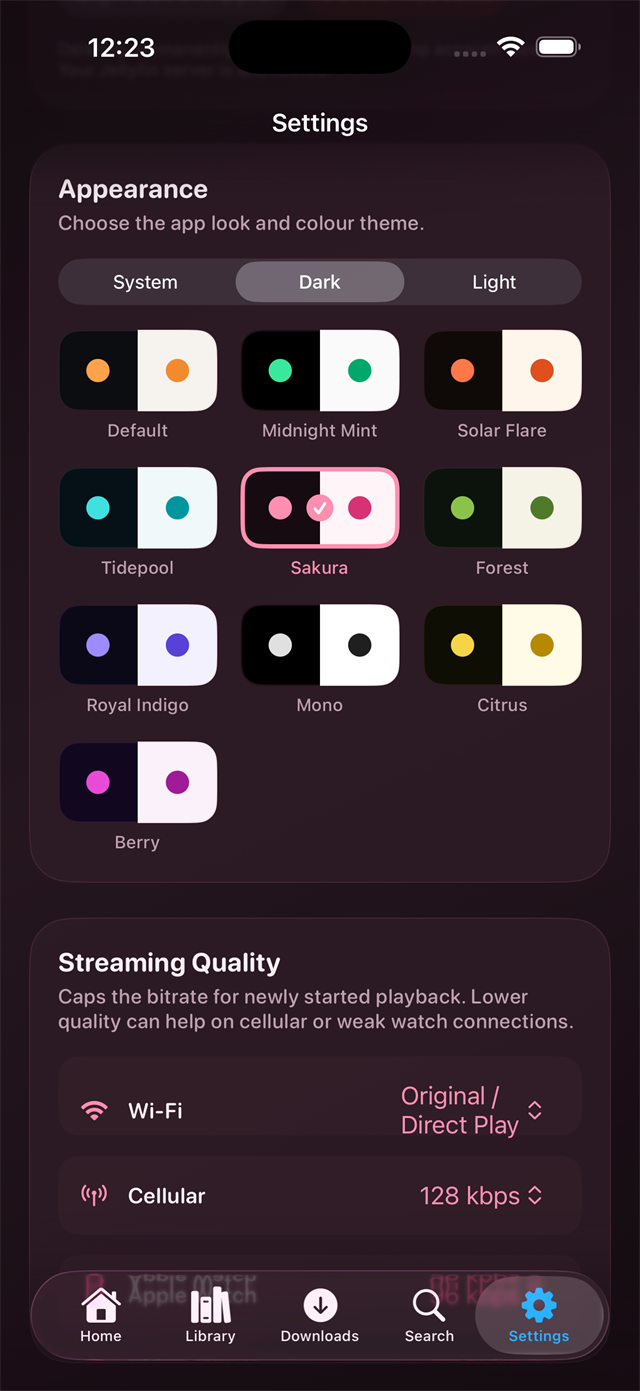
  • Theme System · Dark · Light · Amber
Section 04 / Pricing

Two ways to pay.
One simple player.

No ads. No tracking. No data harvesting. Just a good music app for the price of a cup of coffee — or a round of coffees, if you prefer.

Monthly
$1.99 /month

Pay as you go. Cancel anytime from the App Store.

  • Unlimited playback from your Jellyfin server
  • iPhone + Apple Watch apps
  • Offline downloads
  • AirPlay and lock-screen controls
  • Apple Family Sharing
Subscribe monthly — after App Store review
Best value
Yearly
$12.99 /year

Billed once a year. Save nearly $11 vs. paying monthly.

  • Everything in Monthly
  • Saves ~45% vs. paying monthly
  • One renewal a year, not twelve
  • Apple Family Sharing
  • All future updates while subscribed
Subscribe yearly — after App Store review
Lifetime
$24.99 one-time

Pay once, own it forever. Break-even after two years.

  • Everything in the subscriptions
  • No renewals, ever
  • All future updates, free
  • A warm feeling of supporting indie dev
  • Note: not eligible for Family Sharing
Buy lifetime — after App Store review
No subscription lock-in

Your Jellyfin library is yours. Cancel whenever — downloaded tracks stay playable for the subscription period.

Family Sharing (subs only)

Monthly and Yearly subscriptions are shareable with everyone in your Apple Family (up to six people). The Lifetime purchase is for a single Apple ID.

Refunds via Apple

Not happy? Apple handles all refunds directly — request one any time within 90 days of purchase.

Questions,
answered.

Common questions about JellyAmp, the watch app, and Jellyfin. Stuck on something specific?

Common errors & troubleshooting
01 What is JellyAmp?
JellyAmp is a music player for iPhone and Apple Watch that connects to a Jellyfin media server. Jellyfin is a free, open-source media server you (or someone you trust) runs at home — JellyAmp is the player that lets you listen to that music library on your devices.
02 Do I need my own server?
Yes — JellyAmp is a player, not a streaming service. You'll need access to a Jellyfin server (running at home, on a NAS, or hosted somewhere). If you don't have one, the easiest way to start is downloading Jellyfin Server for your computer and pointing it at your music folder.
03 How much does it cost?
JellyAmp is a free download. Install it, connect to your Jellyfin server, browse your library — no account, no payment. When you tap play for the first time, you pick one of three options: $1.99/month, $12.99/year (saves ~45% vs. monthly), or $24.99 one-time for lifetime. All three unlock the same features. Apple handles billing.
04 Can I try before buying?
Yes — the app itself is free and you can set it up, verify it sees your library, and browse your music without paying. You only hit the paywall when you actually try to play a track. That way you know the app works against your Jellyfin server before spending a dollar.
05 What if I don't like it?
Subscriptions can be cancelled any time from iPhone Settings → your Apple ID → Subscriptions. Refunds are handled by Apple's standard App Store policy.
06 Which plan should I pick?
Monthly ($1.99) is the lowest commitment — test JellyAmp for a month and cancel if it's not for you. Yearly ($12.99) is the sweet spot — ~45% cheaper than monthly, with Apple Family Sharing included. Lifetime ($24.99) pays for itself after two years and includes all future updates forever. Note: Lifetime is tied to a single Apple ID — only the subscriptions support Family Sharing.
07 Will it work with my existing music library?
If your music is in Jellyfin, yes. JellyAmp shows your Artists, Albums, Playlists, and Songs the way you organized them on the server. Make sure your Jellyfin library type is set to Music for the best experience.
08 What audio formats does it support?
Anything Jellyfin can serve: MP3, AAC, FLAC, ALAC, WAV, OGG, and more. The watch app uses MP3 by default for battery and bandwidth reasons; the iPhone app plays files directly when possible and uses Jellyfin's transcoder for unsupported formats.
09 Does the Apple Watch app work without my iPhone nearby?
Yes — if your watch has cellular (LTE) or is on Wi‑Fi, you can browse and play music with the iPhone left at home. Downloaded tracks also work fully offline. (See the troubleshooting page if you hit a TLS error in that scenario.)
10 Can I download music for offline listening?
Yes, on both iPhone and Apple Watch. Tap the download icon on any album, playlist, or song and it'll be cached locally. Useful for flights, the gym, or anywhere with patchy data.
11 Does it support AirPlay?
Yes — full AirPlay 2 support on iPhone. Tap the AirPlay icon in Now Playing to send audio to a HomePod, Apple TV, or any compatible speaker.
12 Will my listening data be sent anywhere?
Your music stays between your Jellyfin server and your device. JellyAmp doesn't send your library, listening history, or playlists to any third party. There's no analytics tracking specific tracks or artists.
13 What iPhone and Apple Watch versions are supported?
iPhone running iOS 17 or newer, Apple Watch running watchOS 10 or newer. Older devices aren't supported because JellyAmp uses SwiftUI features that ship with these versions.
14 Does the iPhone Now Playing show on the Apple Watch's Smart Stack?
Yes — when JellyAmp is playing on your iPhone, the standard Now Playing widget appears on the watch automatically. You can also open the JellyAmp watch app for richer controls (queue, downloads, search).